
Homeschool Planet: The Planner That Grows With Your Kids
*This post may contain affiliate links. As an Amazon Associate I earn from qualifying purchases.*
If you’ve ever sat at your kitchen table with 10 different tabs open for homeschool curriculums, a half-finished spreadsheet, and a kid asking what’s for lunch, you already know the feeling I’m talking about.
Homeschool planning doesn’t have to be complicated. But it does have to actually work for your family, or you’ll crash and burn.
This post is sponsored by Homeschool Planet. As always, all opinions are my own.

I’ve been homeschooling long enough to have tried a lot of systems. Paper planners, spreadsheets I built myself, apps I downloaded once and never opened again. So when I tried out Homeschool Planet, I wasn’t looking for another shiny thing to add to my plate. I was looking for something that would actually take something off it.
Here’s what I found, and what I think is worth your family checking out too.
All About Homeschool Planet

You don’t need to commit to anything to get value here, and that’s exactly where I’d start if I were you.
The 4-Year High School Blueprint
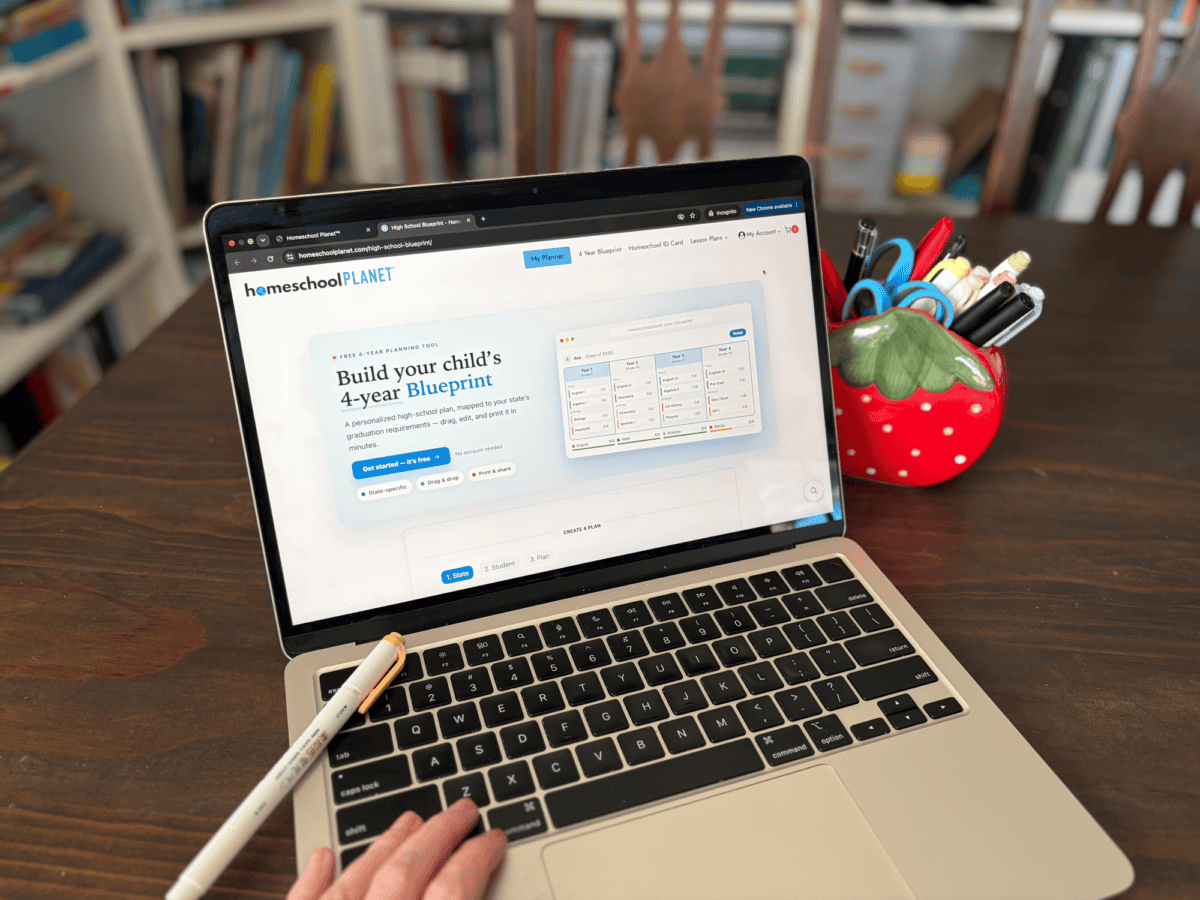
If you have a middle schooler or a teen, this one is worth bookmarking. The High School Blueprint is a free digital tool that maps out all four years of high school in one place. You pick your state, and it automatically populates with your state’s requirements. You can also build it your own way if you’d rather customize from scratch.
I don’t have kids at this point just yet, but we will be approaching this time before long. We don’t have specific requirements where we live, but I love the idea of being able to plan for specific goals each of my children might have.
Having a tool that shows me the big picture now, before I’m in the thick of it, takes so much pressure off.
You won’t be guessing at what credits your child will need or scrambling in 9th grade to figure it out. You can see the whole four years laid out and make decisions as you go instead of in a panic later.
It’s another thing you can quickly check off your (overflowing) mental load.
Check out the Free 4-Year High School Blueprint Here
Homeschool ID Cards
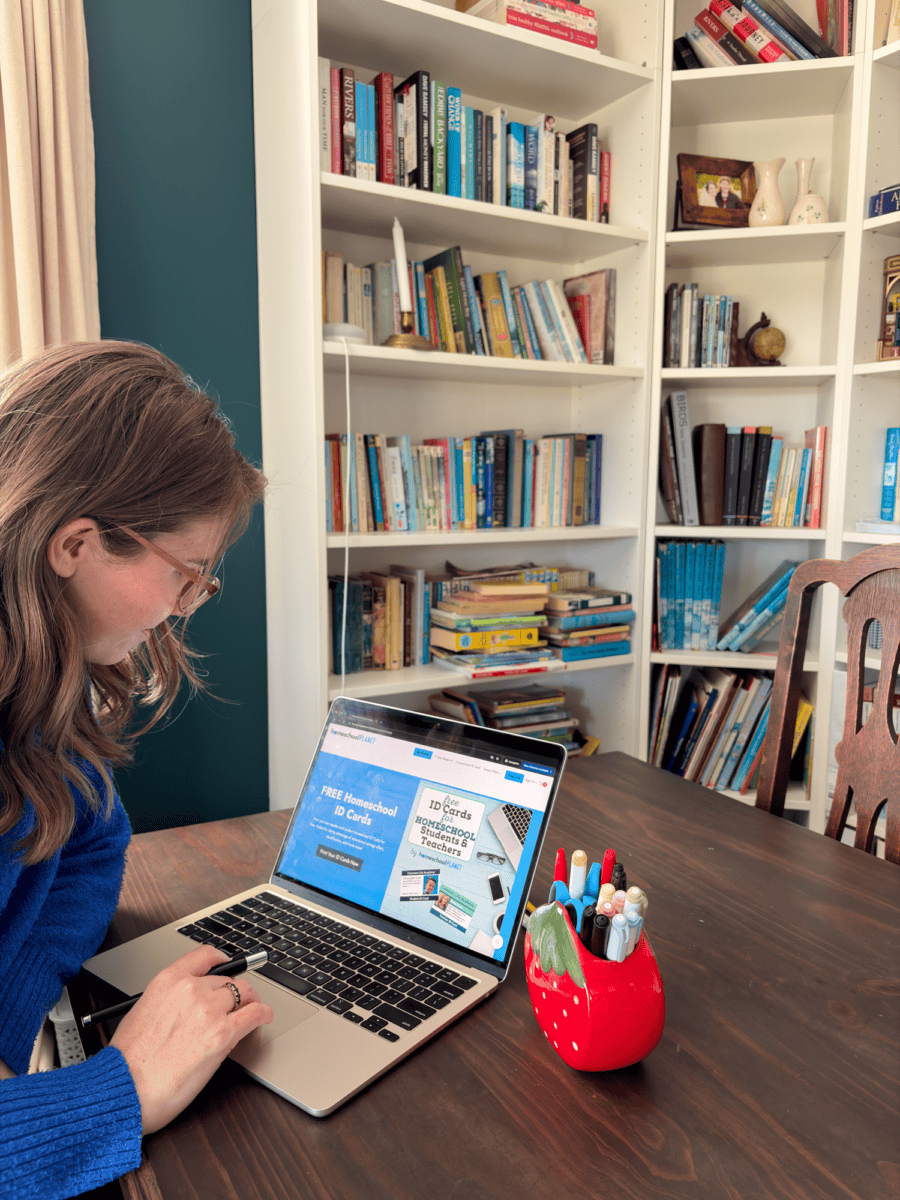
This one’s small but super useful. I see homeschool moms asking for help with creating these all the time. You can customize and print your own teacher and student Homeschool ID Cards for free. They come in handy for identification and for taking advantage of educator discounts, which, as most of us know, add up over a school year.
Create your free Homeschool ID Cards here.
If You Want More: The Homeschool Planet Planner
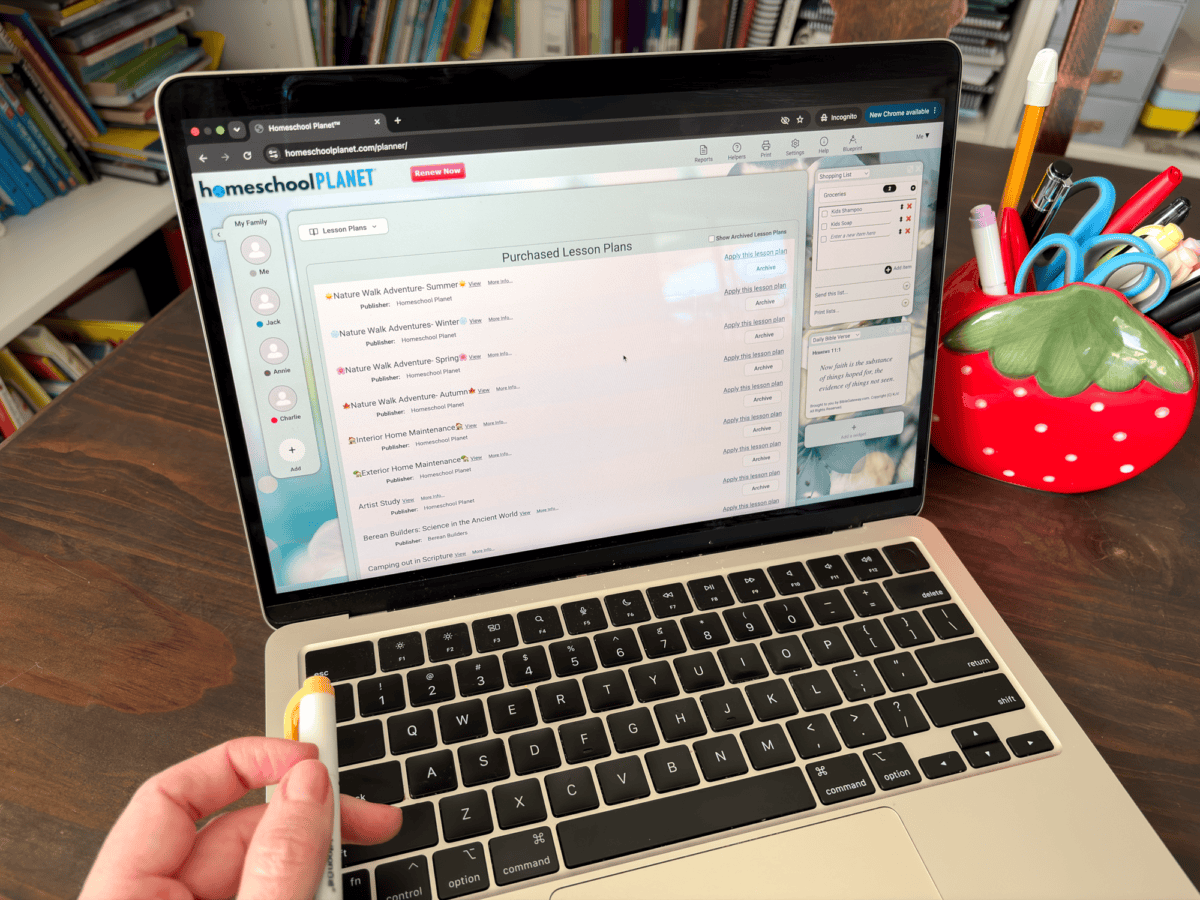
The free tools are a great start, but if you’re already doing a lot of your planning and research online anyway, the full Homeschool Planet Planner is where things get really useful.
What I like about it is how much you can personalize it. This isn’t a rigid template you have to force your homeschool into. It flexes to fit how you actually run things. Personal, work, and family schedules live alongside your school records, lesson plans, to-do lists, and even shopping lists, all in one place you can pull up from your phone or your computer.
This is very important to me because every single family is different. There has to be flexibility built into planning tools in order for them to be truly valuable.
When it comes to planning your school year, the lesson planning side is a real time-saver. Homeschool Planet has integrated lesson plans for popular homeschool curricula, over 3,100 of them, with new ones added every month. Instead of building your scope and sequence from scratch, you can plug in the curriculum you’re already using and let it do the heavy lifting.
I did this with Berean Builders Science. My son is using it this year, and it was very simple to go in and add the lesson plans. You can customise it based on how often you’ll be doing the lessons. You can also easily move things around if plans change or lessons get missed.
The Feature I Didn’t Expect to Love: Student Profiles
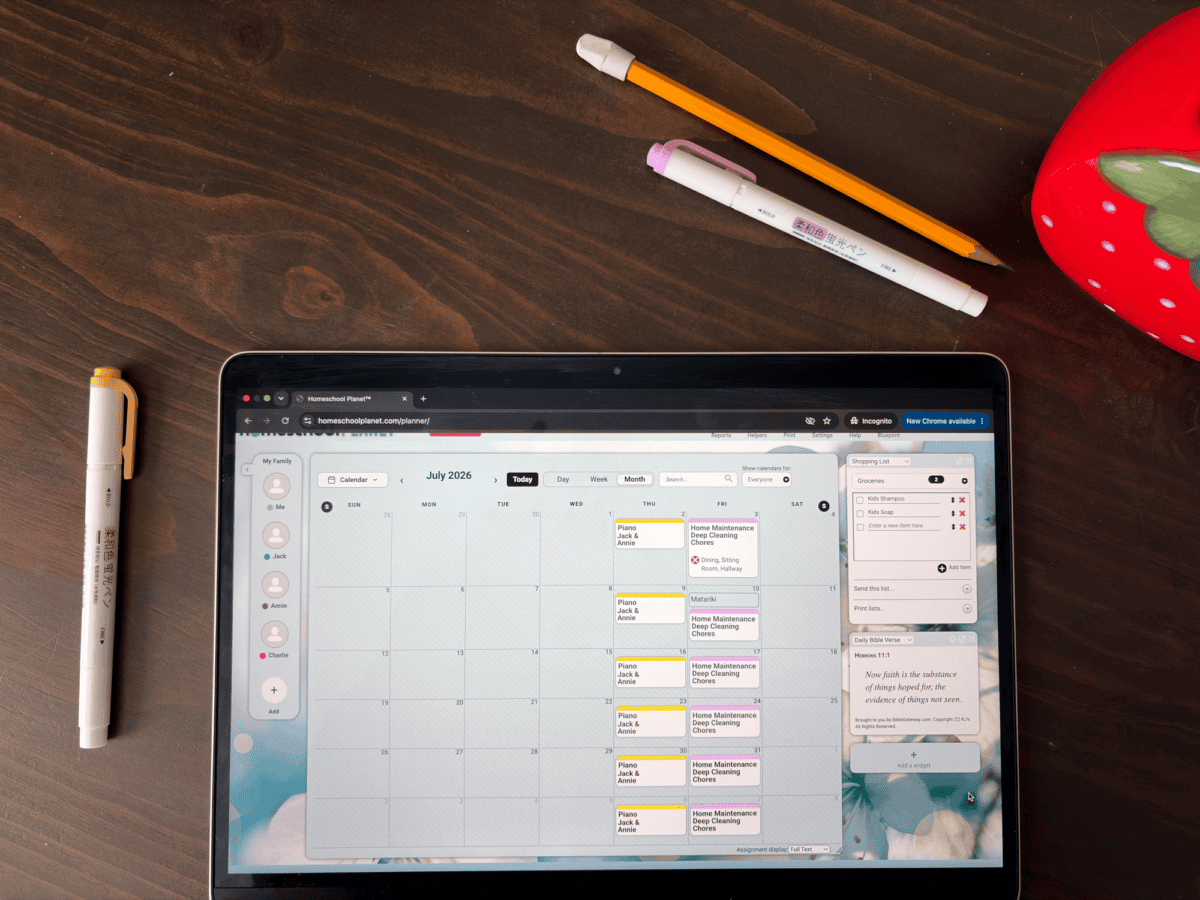
Here’s my favourite part that I wasn’t expecting. Homeschool Planet lets you set up individual student profiles, and I think this is one of the most underrated features for families with more than one child.
With student profiles, each of my kids can see their own schedule and workload without me having to hand it to them piece by piece. This is wonderful! Executive functioning, the ability to look at what needs doing and just do it, is something we’re intentionally building in our home, especially with my older two.
Giving them a profile they can check themselves means they’re practicing that skill instead of relying on me to be their memory. This is hugely beneficial for them, but it greatly reduces my mental load as well. It’s a simple thing, but it adds up over a day of schooling.
Try It Before You Commit
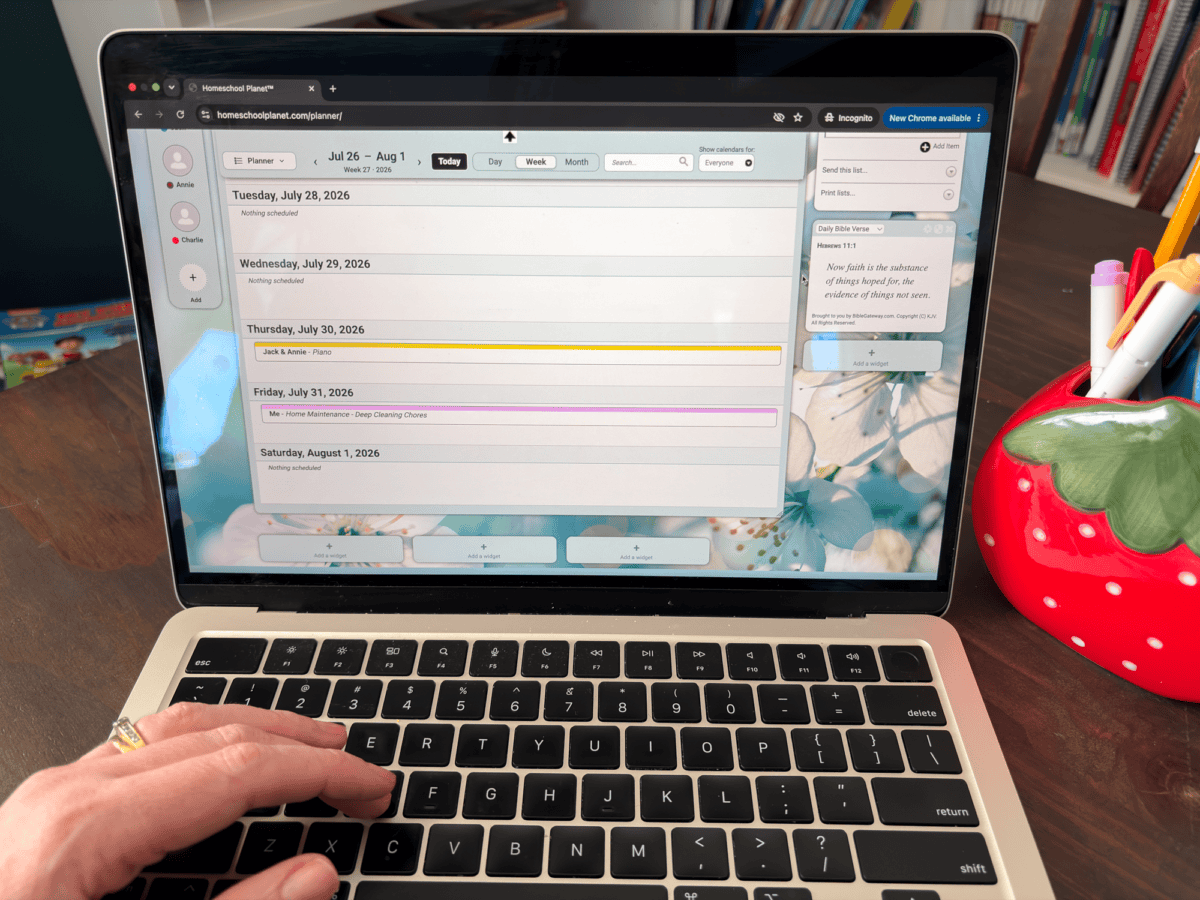
Homeschool Planet offers a 30-day free trial of the full digital planner, and you don’t need a credit card to start it. That’s plenty of time to see whether it fits how your homeschool runs and for you to get used to all the tools and functions.
Check it out and start your free trial here.
Final Thoughts
You don’t need every tool out there to run a good homeschool. But if you’re already spending time online planning your year, researching curriculum, or trying to keep three kids’ schedules straight in your head, Homeschool Planet is worth a look.
Start with their free tools. The 30-day free trial will help you get a good idea of how it works. If you like how it feels, then it’s a win for you in terms of time-saving and productivity.