Typesy: Our Top Pick for Homeschool Typing
*This post may contain affiliate links. As an Amazon Associate I earn from qualifying purchases.*
If you’re on the lookout for a homeschool-friendly typing program that your kids will actually enjoy, this one’s for you.
This post is sponsored by Typesy. All opinions are my own.
Typing is one of those core life skills that’s more relevant now than ever. Whether it’s writing a story, sending an email, or researching for a school project, kids need to know how to type. But as with anything in our homeschool, I want more than just screen time—I want tools that are meaningful, educational, and ideally, fun.

We’ve used a couple of other typing programs over the past year, but when Ereflect reached out and invited us to try Typesy Homeschool, we jumped at the chance—and I’m so glad we did. It’s easily become our favorite.
Let me walk you through why I think Typesy Homeschool is the best typing program for homeschool families, and how it’s made keyboarding practice something my son actually looks forward to (when it was previously a BIG struggle!).
What Is Typesy Homeschool?

Typesy Homeschool is a full-featured homeschool typing curriculum that combines structured touch typing lessons with interactive games and video-based instruction. It’s designed for students from early elementary through high school, and it offers a clean, ad-free learning space—which I really appreciate.
I’m very intentional about making sure my kids are safe online, so ad-free is an important key point for me.
One of the biggest things that drew me to Typesy Homeschool was the balance it offers: it’s not just a game and not just a workbook. It’s a thoughtful blend of instruction and engagement, and that’s something I value as a homeschool mom trying to keep screen time intentional.
Why We’re Using Typesy in Our Homeschool
Typing practice is something that I really wanted to be purposeful about this year. Now that my son is doing more independent writing on the computer, it felt like the right time to prioritize it. I needed a program that would:
- Be simple enough for my son to use on his own
- Have no ads or distractions
- Actually teach proper technique, not just speed
- Track his progress so I could see improvement
- Be something he wanted to do (he really did NOT want to do it at the start of the year)
Typesy Homeschool checked all of those boxes and more.
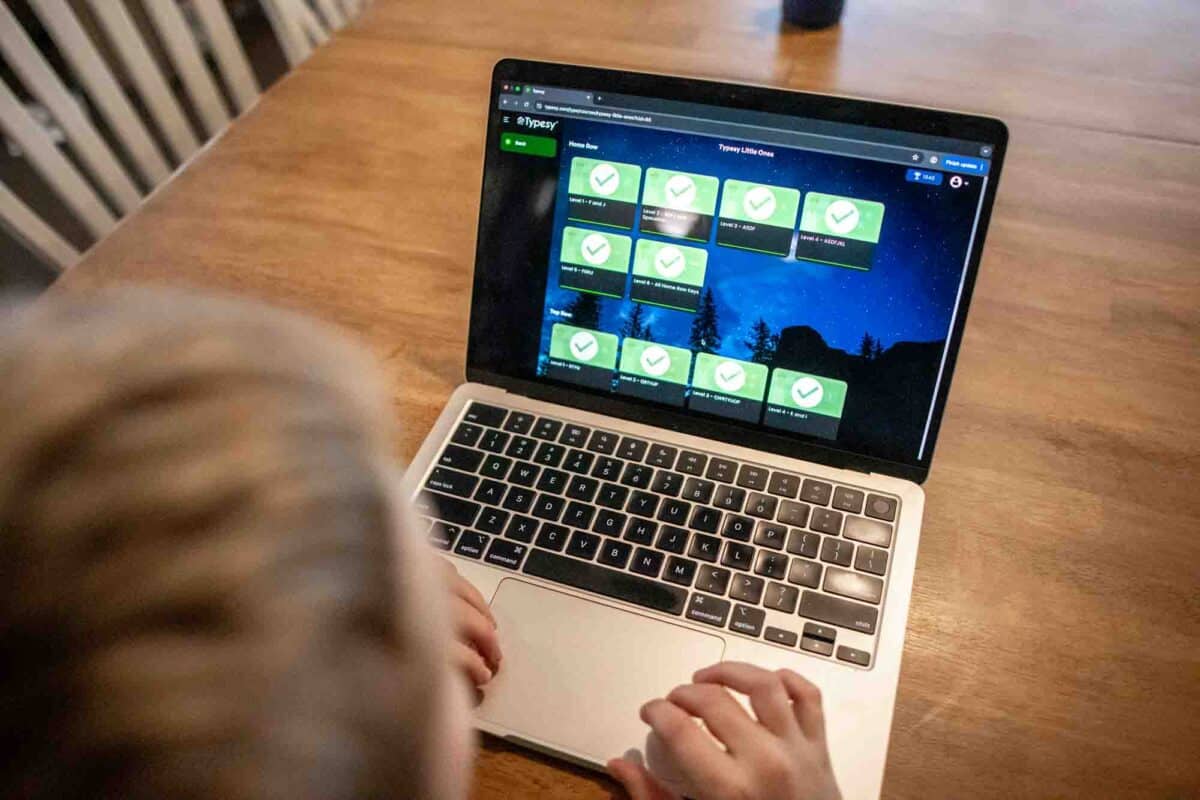
Right from the start, the platform felt intuitive. My son didn’t need much instruction from me to get going.
The dashboard is clean and colorful, and it’s easy to follow the lesson path. He was motivated by the built-in reward system and loved the gamified elements. There’s something about getting to “level up” that makes kids want to keep going!
The Best Typing Program for Homeschoolers

I’ve seen quite a few homeschool typing options over the years, but Typesy Homeschool is one that’s really working for us. It’s not just about learning where to put your fingers—it’s about helping kids type smoothly, accurately, and with confidence.
This program is clearly designed for the way kids learn today. The lessons are bite-sized but effective, and the games offer plenty of practice without being mindless. There’s an actual homeschool typing curriculum behind it, and I appreciate that structure. It’s something we can easily slot into our homeschool days.
Because it’s so independent, my son can go on the computer and do a typing lesson while I’m busy teaching one of his siblings.
Features We Love

Here’s what’s stood out to us after using it for a while:
- Ad-free environment – No distractions, pop-ups, or flashy sidebars
- Engaging visuals and audio – The instructional videos are clear and well-paced (there’s also a bit of humour in there, which is very appreciated)
- Gamified learning – Built-in games help reinforce what’s been taught
- Progress tracking – I can easily see how he’s improving over time
- Customizable goals – I can set daily or weekly targets that fit our schedule
It’s also worth noting that Typesy Homeschool isn’t just for one student. You can manage multiple students under a single parent account, which makes it a great value for families with more than one child.
A Homeschool Keyboarding Learning Tool That Grows with Your Child
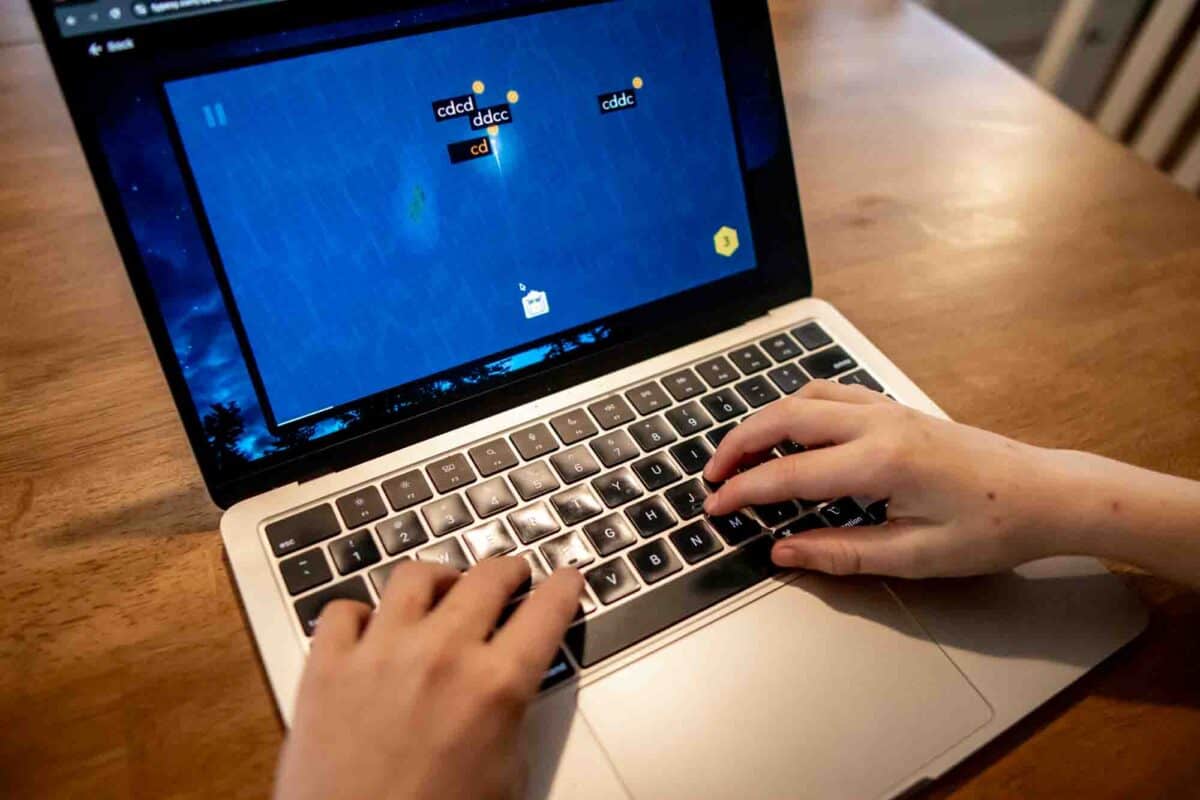
Typesy Homeschool adapts to your child’s skill level. Whether they’re brand new to typing or just need to improve their speed and accuracy, it has options for you.
The built-in assessments help place your child appropriately, and the curriculum adjusts as they progress.
We use it as a standalone subject. It blends in easily without feeling like “just one more thing” to squeeze in. And when your child wants to do more? That’s a win in my book.
Honestly, my son went from bemoaning the thought of typing lessons to willingly doing them and actually finding enjoyment in them.
Is It Really the Best Keyboarding Learning Program?

For us, yes.
Typesy Homeschool has made keyboarding fun and accessible, and it’s taken the stress off of me to figure out what to teach or how to keep him motivated. The lessons are clear. The games are engaging. The results are measurable.
If you’re looking for the best keyboarding learning program that actually fits into a homeschool lifestyle, this is it.
Final Thoughts
In a world where digital communication is constant, learning to type is no longer optional—it’s essential. I’m so glad we had the chance to try out Typesy Homeschool. It works easily in our homeschool while still being current and engaging.
If you’re looking for a homeschool typing solution that your kids will enjoy and you’ll feel good about, I truly believe Typesy Homeschool is the answer. It’s a fantastic typing program for homeschoolers—and it might just be the tool your family has been looking for.
Learn more about how it works and try it for yourself here at Typesy Homeschool.